Stock Market PC
Custom Trading PCs in Mumbai Built for Stock Market, F&O, Intraday Trading, and Multi-Monitor Setups.
A trading PC should be fast, stable, responsive, and reliable during live market hours. It should handle multiple charts, broker platforms, watchlists, scanners, option chains, news feeds, browser tabs, and multi-monitor displays without freezing or slowing down.
At M Machine Build, we build custom stock market PCs in Mumbai for traders, investors, scalpers, intraday traders, options traders, algo learners, research analysts, and professional trading desks.

Trading is not only about having a fast internet connection or a broker account. Your computer also matters. During market hours, traders often run TradingView, Zerodha Kite, broker terminals, Excel sheets, scanners, option chain tools, charting platforms, screen recording, Telegram, WhatsApp, news websites, and multiple browser tabs together. If the PC becomes slow, hangs, overheats, or fails to support multiple monitors properly, the trading experience becomes stressful.
A purpose-built trading PC is designed for stability, multi-screen productivity, fast startup, smooth chart loading, reliable browser performance, clean cable management, backup power planning, and long-term daily use.
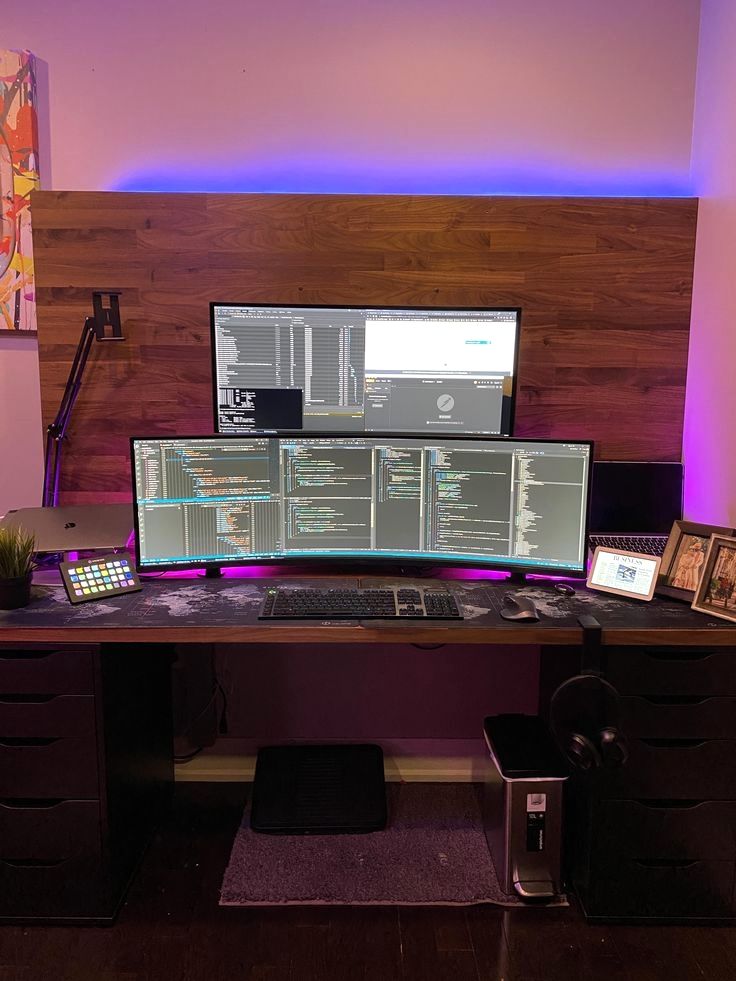 Ultrawide Monitor Setup
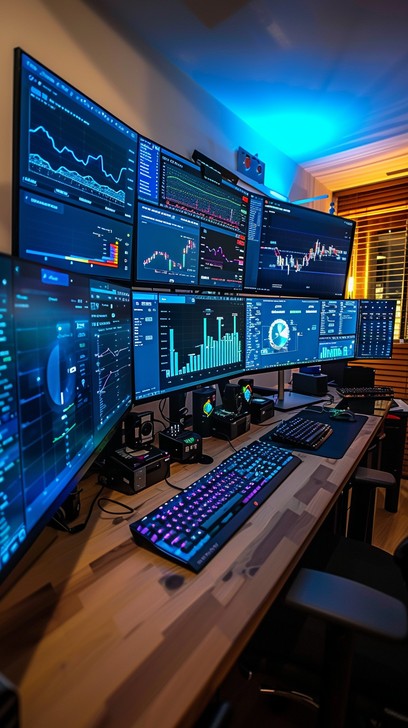 Custom Trading PC
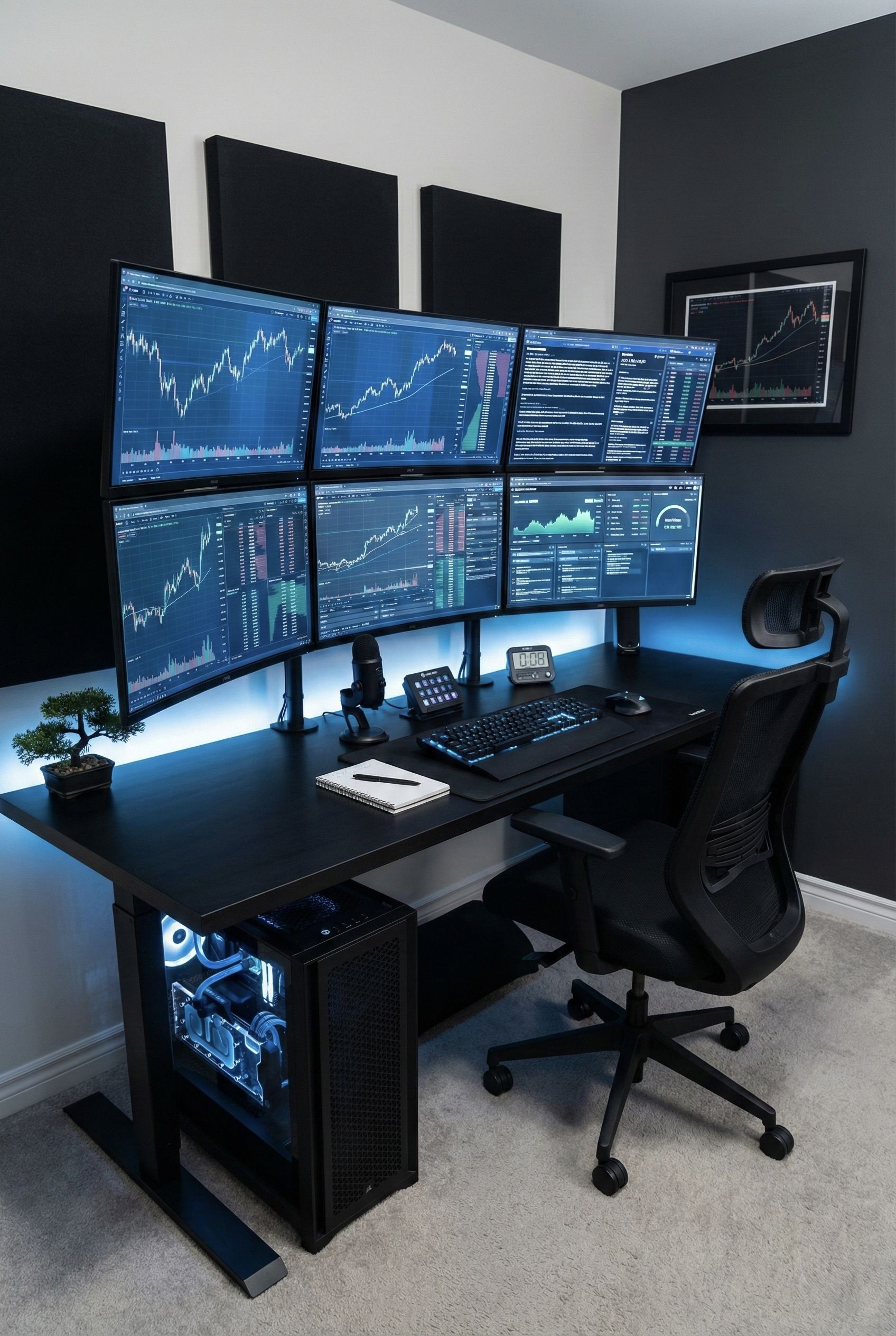 Multi-Monitor Setup
Why Traders Need a Dedicated Stock Market PC
Indian market hours leave very little room for technical problems. NSE equity trading normally opens at 9:15 AM and closes at 3:30 PM, with pre-open and closing sessions around the main market. For intraday traders and F&O traders, those hours are intense. The PC has to be ready before the market opens and should stay responsive through the full session.
A normal office desktop or old laptop can work for basic investing, but active trading needs more reliability. Traders may monitor NIFTY, BANKNIFTY, FINNIFTY, stocks, indices, futures, options, commodities, currencies, global markets, and news at the same time. They may use 2, 3, 4, or even 6 monitors. They may keep charts open in different timeframes and need fast switching between watchlists, order windows, and browser tabs.
A custom trading PC is built to reduce friction. The goal is not gaming-style performance. The goal is stable multitasking, clean display support, fast storage, strong RAM capacity, reliable networking, quiet cooling, and easy maintenance.
Trading PC Built Around Your Real Trading Workflow
Every trader works differently. A long-term investor may need a simple, reliable system for research and order placement. An intraday trader may need multiple live charts, fast browser switching, and low-lag display output. An options trader may need option chains, payoff tools, scanners, broker windows, spreadsheets, and multiple timeframes. A full-time trading desk may need multi-monitor ergonomics, backup power, wired networking, and clean desk cable planning.
TradingView Desktop highlights native multi-monitor support and the ability to restore multi-monitor workspaces, which is exactly why display planning matters for active traders. A good trading PC should not struggle when multiple charts, browser tabs, and screens are open together.
- Intraday trading PCs
- F&O trading PCs
- Options trading workstations
- TradingView multi-monitor PCs
- Zerodha Kite trading PCs
- Stock market research desktops
- Algo trading learning PCs
- Professional trading desk systems
Important Components in a Stock Market Trading PC
A trading PC does not always need the most expensive gaming hardware. What matters is the right balance of processor speed, RAM, storage, display output, networking, cooling, power stability, and upgrade path.
Processor for Fast Multitasking
The CPU affects browser performance, chart responsiveness, watchlist updates, spreadsheets, scanners, backtesting tools, and multitasking. A modern multi-core processor with strong single-core performance is ideal for traders who keep many apps and tabs open during market hours.
RAM for Charts, Tabs, and Platforms
Trading setups often use multiple Chrome tabs, TradingView layouts, broker platforms, option chain tools, Excel sheets, and messaging apps together. 16GB can work for basic users, but 32GB is a stronger starting point for active traders. 64GB can be useful for heavy multi-monitor research and full-time trading desks.
NVMe SSD for Quick Boot and Fast Loading
A fast NVMe SSD helps Windows boot quickly, trading apps open faster, browser sessions restore quickly, and files load without delay. For traders, morning startup speed matters because the system should be ready before pre-market and market open.
Graphics Card and Display Outputs
The GPU does not need to be gaming-focused unless you also game or edit videos. For trading, the key requirement is reliable multi-monitor support. We select graphics solutions based on whether you need 2, 3, 4, or more displays, and whether those monitors are Full HD, 2K, 4K, vertical, ultrawide, or mixed.
Networking and Backup Planning
Stable wired internet is strongly recommended for serious trading. We can plan systems with reliable LAN, Wi-Fi backup, router placement, UPS compatibility, and clean cable management. A PC cannot control broker-side or exchange-side outages, but it should not be the weak point in your setup.
Cooling, Power Supply, and Reliability
Trading PCs run for many hours every day. Good airflow, quiet cooling, a quality power supply, dust management, and proper cable routing help the machine stay stable and dependable over years of daily market use.
Trading PC Configurations by User Type
We do not recommend one fixed PC to every trader. A student investor, active intraday trader, options scalper, research analyst, and professional trading desk all need different hardware and display planning.
Basic Stock Market PC
Designed for investors and beginners who use broker platforms, TradingView, research websites, Excel, and basic watchlists. This type of PC focuses on reliability, fast startup, smooth browsing, and future upgrade options.
Intraday Trading PC
Built for active traders who need multiple charts, quick switching, order windows, scanners, news feeds, and stable performance during live market hours. These systems should have stronger RAM, fast NVMe storage, good cooling, and reliable monitor support.
Options Trading PC
Options traders often monitor option chains, OI data, payoff charts, price action, index charts, multiple expiries, Excel sheets, and broker windows. A good options trading PC should handle several live tools together without lag.
Multi-Monitor Trading Workstation
For 3, 4, 5, or 6 monitor setups, display planning is critical. We help select the right graphics card, output ports, monitor layout, cables, desk spacing, and upgrade path so the full workstation feels organized.
Algo Trading Learning PC
For users learning Python, APIs, backtesting, Excel automation, database tools, and trading logic, the PC should have enough CPU, RAM, SSD storage, and development comfort. This is not financial advice, but a proper system can make learning and testing smoother.
Professional Trading Desk PC
Full-time traders and offices may need multiple systems, backup power planning, wired network setup, clean cabling, silent operation, and easy serviceability. These builds focus on reliability, uptime, and workspace efficiency.
Multi-Monitor Trading Setup Planning
One of the biggest differences between a normal PC and a trading PC is monitor planning. Traders often want one screen for order placement, one for index charts, one for watchlists, one for options data, one for news, and one for broader market research. The PC must support these displays properly.
We help plan display outputs, HDMI/DisplayPort compatibility, refresh rate, resolution, vertical monitor orientation, cable length, monitor arms, desk layout, and future expansion. A clean multi-monitor setup is easier to use and reduces stress during market hours.
- 2 monitor trading setup
- 3 monitor trading setup
- 4 monitor trading setup
- 6 monitor trading workstation
- Vertical chart monitor setup
- Ultrawide trading monitor setup
- DisplayPort and HDMI planning
- Monitor arm and cable planning
Why Choose M Machine Build for Trading PCs in Mumbai?
If you are searching for a trading PC builder in Mumbai, stock market PC builder, custom trading computer, multi-monitor trading PC, Zerodha Kite PC, TradingView PC, options trading workstation, or intraday trading desktop, the main requirement is trust. Your PC should be built by someone who understands that traders need stability, not just specifications.
M Machine Build focuses on consultation-first PC building. We understand your trading style, platform list, monitor count, budget, desk setup, internet setup, UPS requirement, and upgrade plans before recommending parts. This helps avoid unnecessary spending and builds a machine that actually suits your workflow.
- Mumbai-based custom PC builder
- Trading workflow consultation
- Multi-monitor display planning
- Clean cable management
- Fast SSD and RAM planning
- Quiet and stable cooling
- UPS and network planning guidance
- Future upgrade-friendly builds
Need a Trading PC Built for Your Exact Setup?
Tell us your trading platform, number of monitors, broker apps, charting tools, budget, desk space, and backup power needs. M Machine Build can help you plan a custom stock market PC for your real trading workflow.
Start Your Trading PC ConsultationNote: This page is about computer hardware and workstation planning only. It does not provide trading, investment, or financial advice.
SEO Focus: Trading PC Builder in Mumbai
This page is designed for traders searching for a stock market PC builder in Mumbai, custom trading PC Mumbai, trading computer for Zerodha Kite, TradingView multi-monitor PC, F&O trading workstation, options trading desktop, intraday trading PC, and share market computer setup.
For Mumbai traders in Andheri, Borivali, Malad, Goregaon, Kandivali, Bandra, Dadar, Lower Parel, Thane, Navi Mumbai, Ghatkopar, Powai, Chembur, Vashi, and nearby areas, M Machine Build can help plan a reliable workstation for market research, charting, order execution, and multi-display productivity.
Frequently Asked Questions
What is the best PC for stock trading?
The best stock trading PC depends on your monitor count, charting tools, broker platforms, and trading style. A modern CPU, 32GB RAM, fast NVMe SSD, reliable multi-monitor support, wired internet, and stable cooling are strong priorities for active traders.
How much RAM do I need for a trading PC?
16GB can work for basic trading, but 32GB is a better starting point for active traders using multiple charts, browser tabs, broker platforms, and watchlists. 64GB can be useful for heavy multi-monitor research setups.
Do I need a graphics card for a trading PC?
You may not need a gaming GPU, but you do need proper display support. If you want 3, 4, or more monitors, the graphics solution should be selected carefully based on output ports and resolution.
Can you build a 4-monitor or 6-monitor trading PC?
Yes. We can plan multi-monitor trading PCs with the right GPU, cables, ports, monitor layout, desk planning, and upgrade path for 2, 3, 4, or 6 display setups.
Is SSD important for trading?
Yes. NVMe SSD storage helps Windows boot faster, trading apps open quickly, browser sessions restore faster, and the system feel responsive during market hours.
Can a trading PC run TradingView and Zerodha Kite?
Yes. A properly configured trading PC can run TradingView, Zerodha Kite, browser-based broker platforms, option chain tools, spreadsheets, scanners, and research websites together smoothly.
Do you provide financial or trading advice?
No. M Machine Build focuses only on custom PC hardware, workstation planning, display support, storage, cooling, and setup guidance. We do not provide trading, investment, or financial advice.