Best PC for 2D & 3D Animation Software | Maya, Blender, After Effects Workstation

Best PC for 2D & 3D Animation Software Workstation

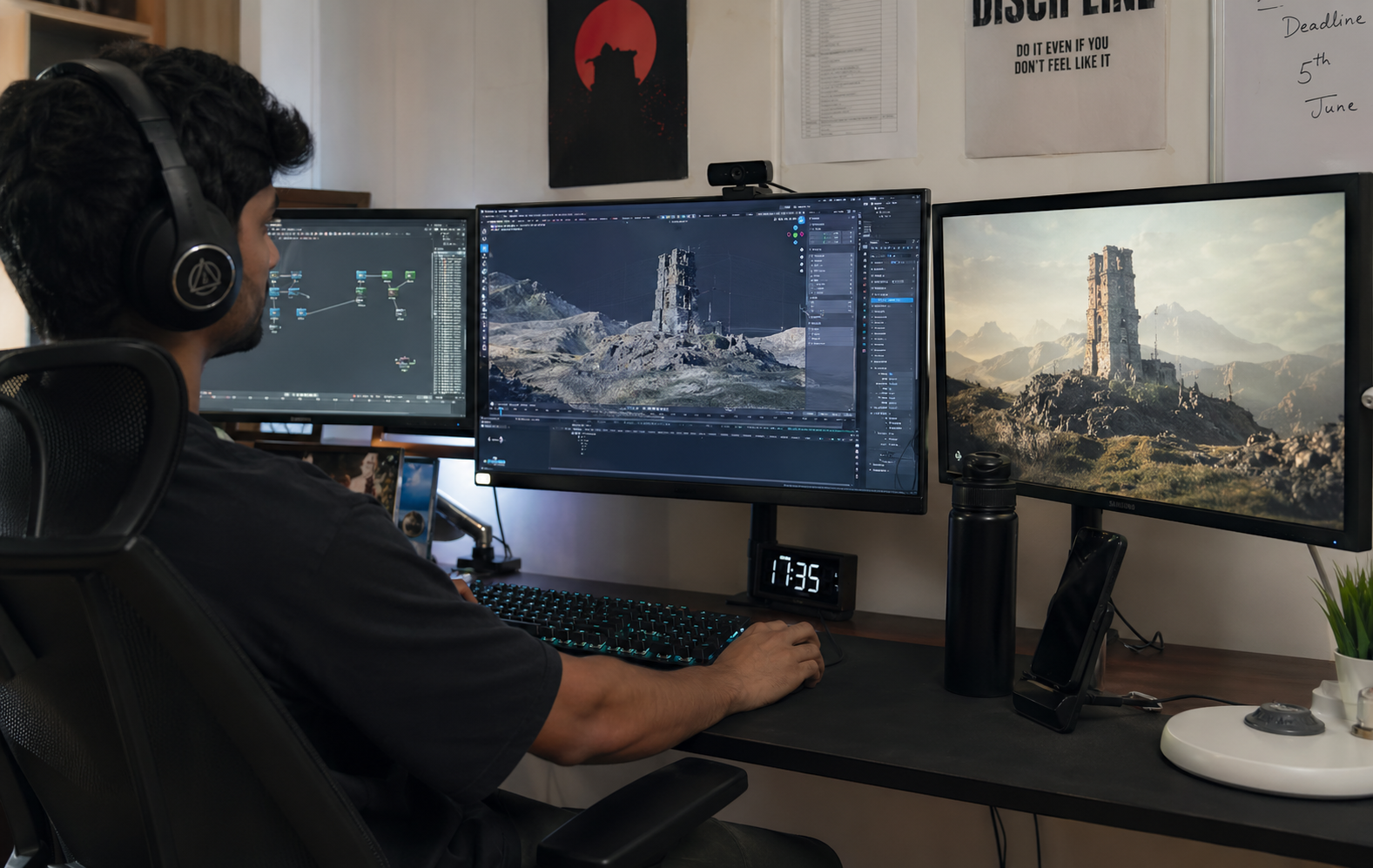
High performance workstation PC for 2D animation, 3D animation, VFX, motion graphics and rendering workflows. Optimized hardware ensures smooth viewport performance and faster rendering.

After Effects
Nuke
Fusion
Houdini
Maya
Blender
Cinema 4D
Toon Boom
TVPaint
Cartoon Animator
Mocha Pro
PFTrack
V-Ray
Redshift
After Effects
Nuke
Fusion
Houdini
Maya
Blender
Cinema 4D
Toon Boom
TVPaint
Cartoon Animator
Mocha Pro
PFTrack
V-Ray
Redshift
Animation workstation PC

Recommended Hardware Configuration

CPU: Intel Core Ultra i7/i9 or Ryzen 9 9900X+ for Multi-tasking.
GPU: RTX 50-Series (8GB VRAM Min) for GPU Rendering & Viewport.
RAM: 32GB (Starter) | 64GB-128GB (Professional VFX/Sim).
Storage: Gen4/Gen5 NVMe SSD for fast Cache & Disk Flush.
Get Custom Quote

Why M Machine Build for Animation?

Hum har software ki specific requirement ke hisaab se PC optimize karte hain. Whether it’s RAM-heavy After Effects or GPU-intensive Redshift, we ensure no bottlenecks.

VFX, Animation & Compositing Software Hardware Guide

Professional VFX and animation software use system resources differently depending on rendering engine, simulation complexity and compositing workflow. Understanding how CPU, GPU, RAM and VRAM are used helps in building the right high-performance workstation.

After Effects

After Effects is mainly used for motion graphics, compositing and visual effects where timeline playback and layer-based editing are critical. It relies heavily on CPU for rendering previews and applying effects, especially when using multiple compositions. RAM usage increases significantly when working with high-resolution footage and many layers at once. GPU acceleration helps with certain effects and smoother previews, but memory is often the main limitation. For heavy projects, high RAM and fast CPU ensure better performance.

Nuke

Nuke is a node-based compositing software used in high-end VFX pipelines where complex compositing trees are common. It relies strongly on CPU for processing nodes and executing calculations across multiple layers. RAM usage becomes very high when dealing with 4K, 6K or EXR image sequences. GPU is mainly used for viewer display and some acceleration, but most heavy processing is CPU-driven. A workstation with high RAM and strong CPU is essential for smooth workflow.

Fusion

Fusion is a node-based compositing tool used in VFX and post-production. It uses CPU for most calculations and compositing operations, especially when dealing with multiple nodes. GPU helps improve playback and real-time interaction in complex scenes. RAM usage increases with high-resolution footage and layered compositions. It performs best on systems with balanced CPU, GPU and sufficient memory.

Houdini

Houdini is known for advanced simulations such as smoke, fire, fluids and procedural effects. It is extremely CPU-intensive during simulation calculations and procedural workflows. RAM usage becomes very high when handling large simulation caches and datasets. GPU is mainly used for viewport display and does not impact simulation speed significantly. A powerful multi-core CPU and large memory are critical for Houdini performance.

Maya

Maya is widely used for 3D modeling, animation and rigging in film and game production. CPU handles most animation, rigging and simulation tasks, while GPU improves viewport interaction and real-time playback. Rendering can use CPU or GPU depending on the engine such as Arnold. RAM usage increases with complex scenes, textures and rigs. A balanced system with strong CPU, GPU and memory is recommended.

Blender

Blender supports modeling, animation, simulation and rendering workflows. GPU plays a major role in rendering using engines like Cycles, especially for high-quality outputs. CPU is used for simulations, modifiers and physics calculations. RAM usage increases with complex geometry, textures and particle systems. A strong GPU with sufficient VRAM significantly improves rendering speed and workflow efficiency.

Cinema 4D

Cinema 4D is popular for motion graphics and 3D animation workflows. CPU handles modeling, animation and procedural tasks, while GPU improves viewport performance and rendering depending on engine. RAM usage increases when working with complex scenes and MoGraph setups. It performs best on systems with strong CPU and GPU balance.

Toon Boom

Toon Boom is a professional 2D animation software used in production pipelines. It relies mainly on CPU for drawing and animation playback. RAM usage increases with large scenes, multiple layers and high-resolution frames. GPU is not heavily used but helps improve playback smoothness. It works well on mid-range systems but benefits from higher memory.

TVPaint

TVPaint is a bitmap-based 2D animation software focused on frame-by-frame animation. It uses CPU and RAM heavily when working with high-resolution frames and long sequences. GPU usage is minimal as it is not GPU-dependent. Performance depends on memory capacity and storage speed for handling large projects.

Cartoon Animator

Cartoon Animator is designed for real-time 2D animation and character animation workflows. CPU handles animation processing while GPU helps with real-time rendering and preview. RAM usage increases with assets and scene complexity. It performs well on mid-range systems but benefits from GPU acceleration.

Mocha Pro

Mocha Pro is used for planar tracking and rotoscoping in VFX pipelines. It relies heavily on CPU for tracking calculations and data processing. GPU helps with preview playback but does not significantly affect tracking speed. RAM usage increases with high-resolution footage and complex tracking data.

PFTrack

PFTrack is used for 3D tracking and matchmoving in VFX production. It relies heavily on CPU for solving camera and object tracking calculations. RAM usage increases when working with high-resolution footage and large datasets. GPU has limited impact but helps in visualization.

V-Ray

V-Ray is a powerful rendering engine used in architecture and VFX. It supports both CPU and GPU rendering workflows. GPU rendering benefits from high VRAM, while CPU rendering depends on multi-core performance. RAM usage increases with textures, lighting and scene complexity.

Redshift

Redshift is a GPU-based renderer optimized for fast performance. It relies heavily on GPU and VRAM for rendering complex scenes. CPU usage is minimal compared to GPU workload. RAM is still important for scene data, but GPU memory becomes the main limiting factor.

Frequently Asked Questions – 2D & 3D Animation, VFX & Workstation PC

After Effects relies heavily on RAM when working with multiple compositions, layers and high-resolution footage. Professional workflows require at least 32GB RAM, while complex motion graphics and compositing projects benefit from 64GB or more for smoother previews and rendering.

Nuke processes large node-based compositing workflows and high-resolution image sequences. It depends heavily on CPU for calculations and RAM for storing frame data. High memory ensures smooth playback and efficient compositing of complex scenes.

Houdini performs heavy simulations such as fluids, smoke and procedural effects. These calculations are CPU-intensive and require high multi-core performance. RAM usage also increases significantly due to simulation data and caches.

Blender supports both CPU and GPU rendering, but GPU rendering using Cycles is significantly faster. CPU is still important for simulations and modifiers, while GPU improves rendering performance and viewport speed.

Maya requires a balanced system. CPU handles animation and simulations, GPU improves viewport performance and RAM increases with scene complexity. Rendering depends on engine choice like Arnold.

V-Ray supports both CPU and GPU rendering. CPU rendering depends on multi-core performance, while GPU rendering requires high VRAM for handling large scenes efficiently.

Redshift is a GPU-based renderer optimized for speed. It uses GPU cores and VRAM to store scene data. Larger scenes require more VRAM, otherwise performance drops or rendering may fail.

Cinema 4D uses CPU for modeling and animation tasks, while GPU improves viewport performance and rendering depending on engine. Balanced hardware provides best performance.

Mocha Pro is used for tracking and rotoscoping in VFX workflows. It relies heavily on CPU for tracking calculations while GPU helps in preview and playback.

PFTrack performs camera tracking and matchmoving calculations which are CPU intensive. RAM is also important when working with high-resolution footage.

Why Choose M Machine Build for 2D & 3D Animation, VFX & Rendering Workstation PC?

In today’s fast-growing creative industry, having a powerful and reliable workstation PC is not just an option — it is a necessity. Whether you are working in 2D animation, 3D animation, VFX production, compositing, rendering, motion graphics or architectural visualization, your system performance directly impacts your productivity, creativity and project delivery timelines. This is where M Machine Build stands out as a trusted and experienced provider of high-performance workstation PCs specifically designed for professional workloads.

At M Machine Build, we bring over 8+ years of real-world experience in building custom PCs for animation artists, video editors, VFX professionals, architects and production studios. Unlike generic computer sellers, we do not just assemble hardware — we design systems based on actual software behavior and workflow requirements. We deeply understand how industry-standard tools like Blender, Autodesk Maya, Houdini, After Effects, Nuke, Cinema 4D, V-Ray and Redshift utilize CPU, GPU, RAM and VRAM under different scenarios such as rendering, simulation, compositing and real-time preview.

For example, high-end 3D rendering engines and GPU-based renderers require powerful graphics cards with high VRAM, while simulation-heavy software like Houdini demands strong multi-core CPU performance and large memory capacity. Similarly, compositing tools like Nuke and After Effects rely heavily on RAM and fast storage for handling high-resolution footage and layered compositions. Understanding these differences is critical, and this is exactly where our expertise helps you get the perfect configuration without overspending or underperforming.

We focus on delivering optimized workstation PCs for 2D animation, 3D modeling, VFX, rendering and content creation that are built for stability, speed and scalability. Every system is carefully designed by balancing processor performance, GPU power, RAM capacity and storage speed to ensure smooth workflow across different software. Whether you are working on complex simulations, high-poly models, real-time previews or final rendering, our systems are tuned to handle professional workloads efficiently.

Another key advantage of choosing M Machine Build is our personalized consultation approach. We do not believe in one-size-fits-all solutions. Instead, we analyze your specific use case, software requirements, project complexity and future scalability needs before recommending the best workstation configuration. This ensures that you get a system that is not only powerful but also future-proof and cost-effective. Whether you are a freelancer, YouTuber, animation student, studio owner or enterprise-level production team, we create solutions tailored to your exact needs.

Performance is not the only thing we focus on — reliability and long-term usability are equally important. Our workstation PCs are built using high-quality components, proper cooling solutions and optimized configurations to ensure consistent performance even during long rendering sessions and heavy workloads. This minimizes system crashes, overheating issues and downtime, which are common problems in poorly configured PCs.

In addition, we stay updated with the latest hardware technologies and industry trends to ensure that our systems are compatible with modern workflows such as GPU rendering, real-time engines, AI-based tools and high-resolution pipelines. This allows our customers to stay ahead in the competitive creative industry without worrying about frequent upgrades or performance limitations.

Choosing M Machine Build means choosing expertise, experience and performance. With our deep understanding of animation software, rendering engines and professional workflows, we help you build the best PC for 2D animation, 3D animation, VFX, compositing and rendering that delivers real value. If you are serious about your work and want a system that supports your creativity without compromise, M Machine Build is the right choice for you.